
The app reloads or fails to connect after pressing the green dial button
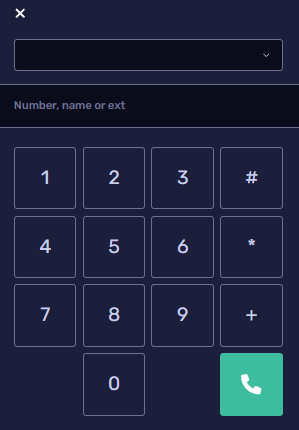
Check your dial pad number
Make sure you have selected a telephone number to make calls from.
Check your sound settings
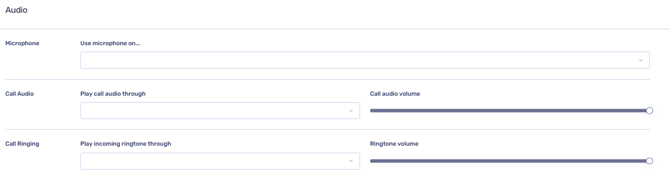
If no microphone activity appears, review your audio settings.
Refer to the guide:
Check your call permissions
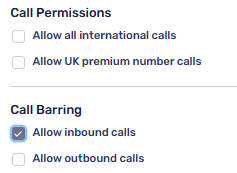
Your account may not have permission to make outbound calls.
An administrator can review this via:
Admin Settings > Users > Call Permissions / Call Barring
“This number is not callable on your current subscription”
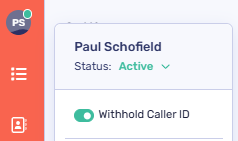
Check if you are withholding your Caller ID
Go to My Details and review your Caller ID setting.
Only enable number withholding if it has been allowed at account level.
Check the number you’re dialling
-
-
International calls: If you’re calling abroad, confirm with your account admin that international calling has been enabled for your account.
-
UK numbers: Some numbers may be higher-rate. End users can check charges via our Cost Checker
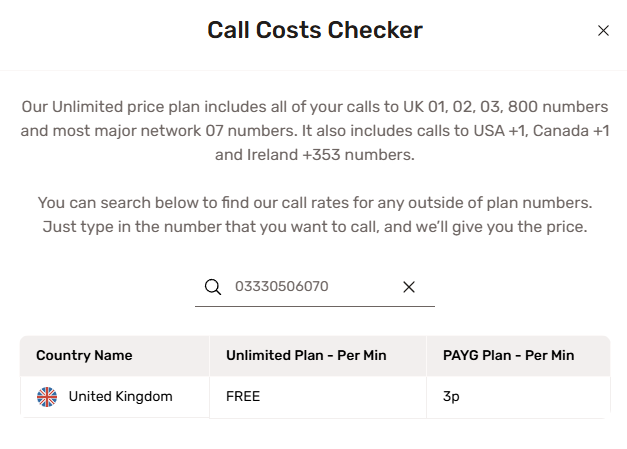
-
If you’ve completed the above checks and are still unable to make calls, please contact your administrator or the CircleLoop support team.