
If you're having trouble logging in, check the following:
Forgotten your password?
Use the “Forgot password?” option on the login screen to reset it.
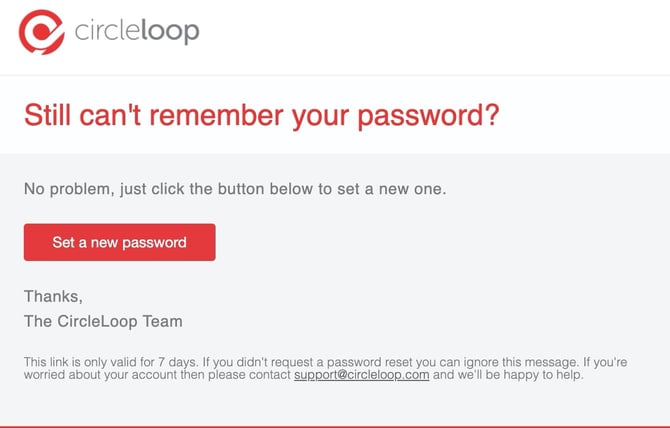
Follow the instructions in the reset email to create a new password.
Just follow the instructions here on how to reset your password.
Can't remember setting a password?
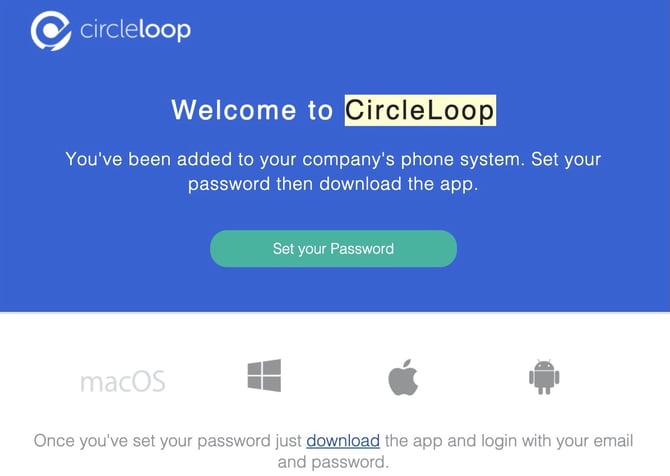
If you’ve recently joined CircleLoop, check your inbox for your welcome email. This email contains a secure link allowing you to set your password. If you can’t find the email, simply use the password reset option instead.
Don't worry if you can't find the email, just reset your password instead.
Concerned someone else accessed your account?
In most cases, this will be your work email address.
If you’re unsure which email was used to create your account, please contact our support team and we’ll help you verify your details.
Not sure which email address to use?
This will most likely be your work email address. If you're not sure which email you used when signing up, then please raise a ticket through our chat and we'll take you through some checks to get you access to your account.
Have you missed a payment?
We won't usually prevent you accessing your account if you miss a single payment. If we fail multiple times to take a payment due then we'll disable call functionality in your account. This will let you log in still to update your payment details and reactivate any locked features.
In the event that your account has been locked due to problems with payment then please get in touch with us and we'll do what we can to get you back up and running.