
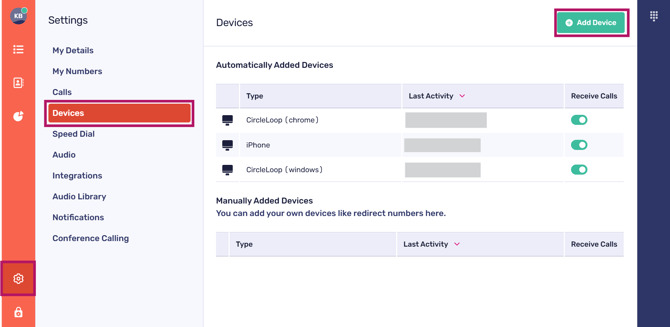
Click on the cog icon to view your settings.
Next, click 'Devices' and then 'Add Device'.
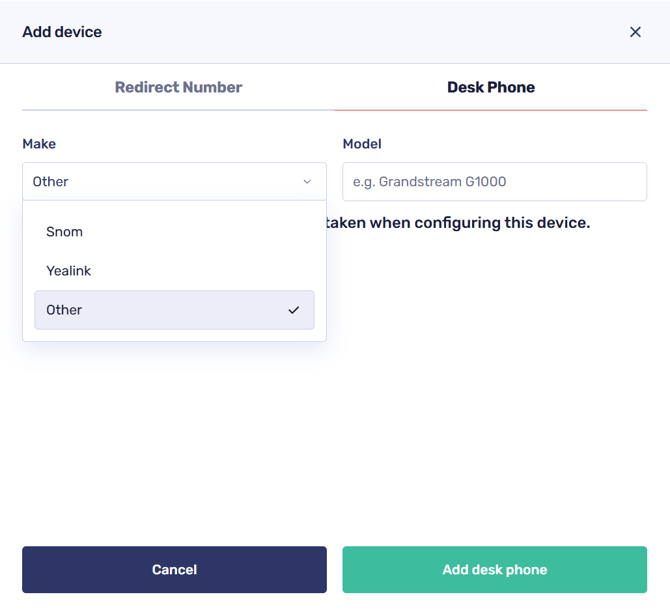
In the sidebar, select 'other device' from the drop-down menu, name your device, and then click 'add deskphone'.
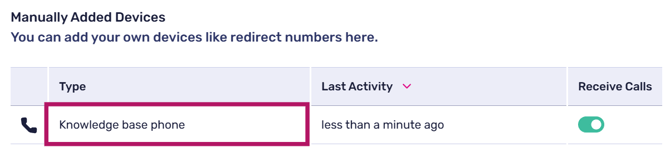
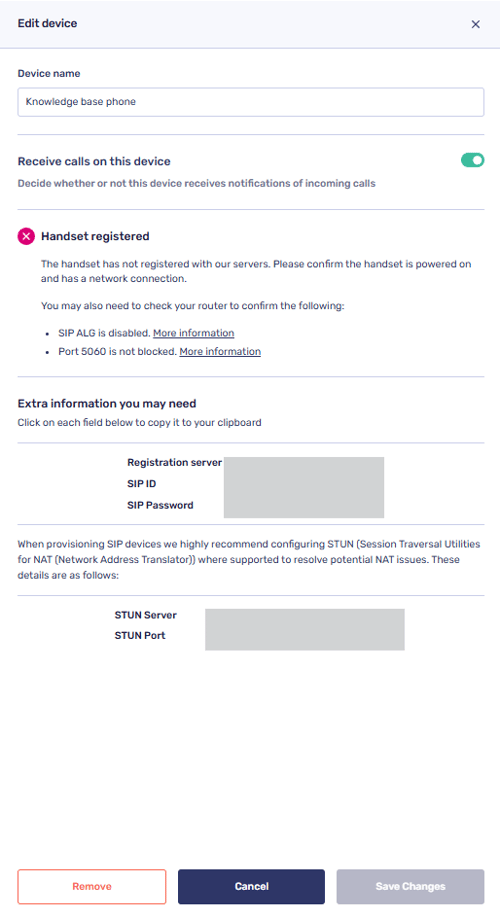
Once created, please click on the device you have just named within the 'Manually added devices' section to be presented with the credentials to enter into your Desk Phone or other SIP device.
Important note regarding troubleshooting unsupported desk phone / SIP devices
Please bear in mind that other devices are unsupported, so should you have any issues with registering the device, our support team will likely be unable to assist you beyond this point.
So, in the event of you having trouble getting this device to register, you will need to speak with the manufacturer of the device you're looking to add.